Mediae
From image archive to finished work.
A Mac workspace for photographers, curators, bookmakers and people working with images. Find your photographs, shape a selection, and turn it into a book, exhibition or shared project.
In private beta for Mac.
- For Mac
- Archive · Develop
- Sequence · Book
- Exhibit · Together
(What can you do with Mediae?)
- (A)
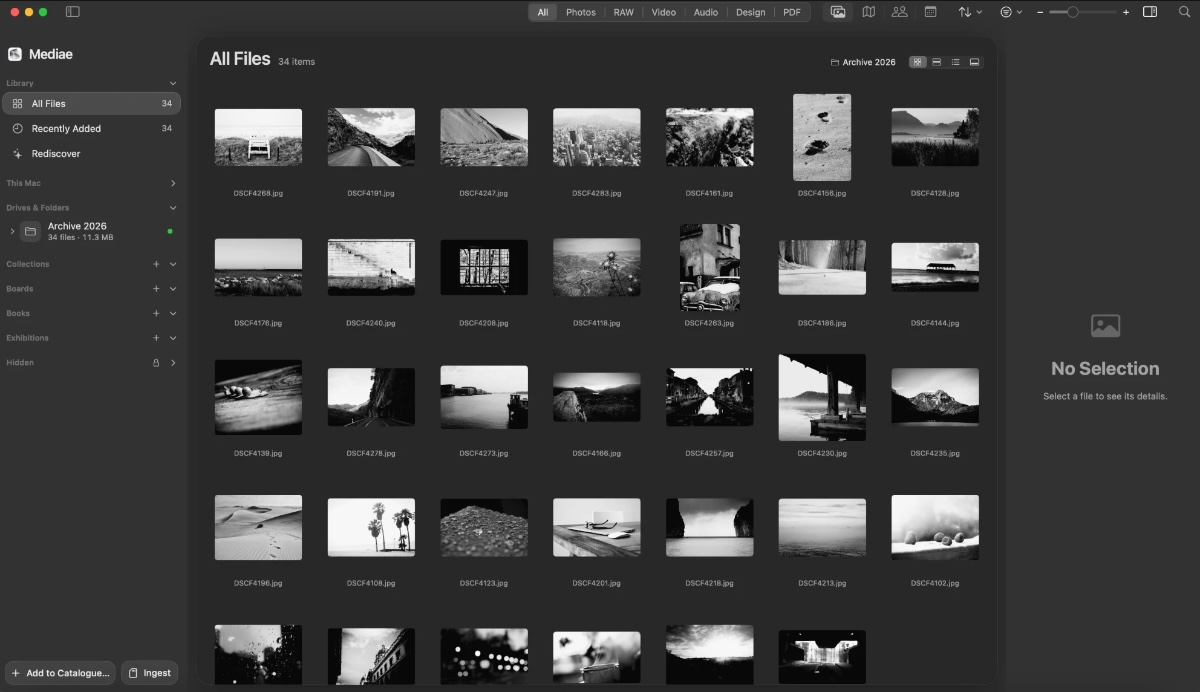
Find your photographs
Browse connected or unplugged drives, search metadata and open folders directly on your Mac.
- (B)
Make sense of your archive
Review proposed shoots, exact copies and RAW + JPEG pairs. Accept a group as a collection while your files stay where they are.
- (C)
Edit and make your selection
Compare frames, rate your selects and adjust light, colour and detail. Carry the edits into boards, books and exhibitions.
- (D)
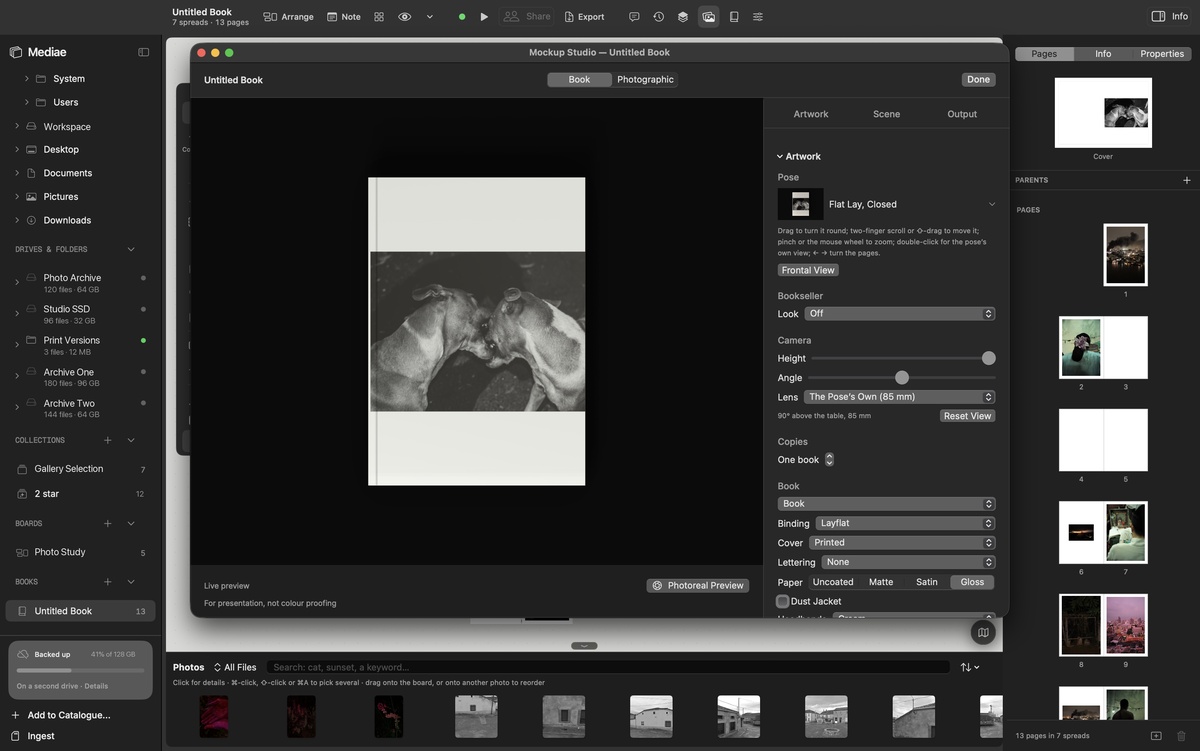
Build a book
Sequence images, design spreads and covers, or continue a PDF or IDML book. Export a proof or a package for the designer.
- (E)
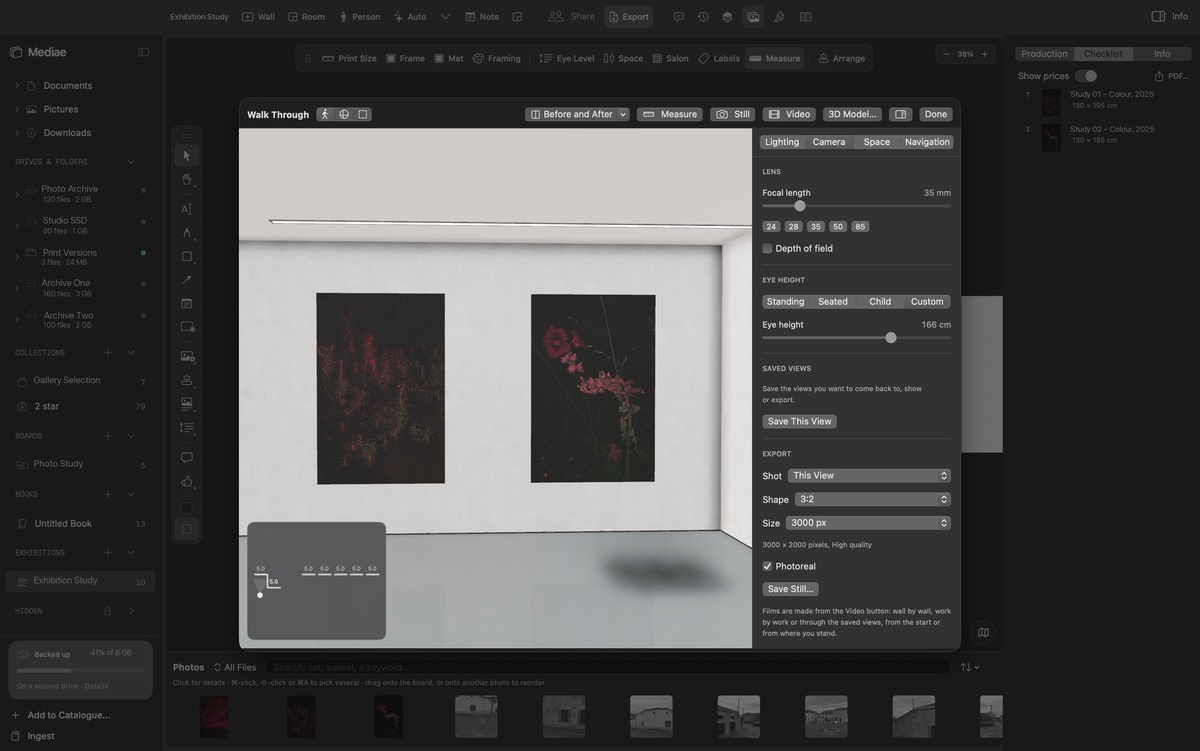
Plan an exhibition
Hang works on measured walls, try frames and spacing, and export elevations and installation lists.
- (F)
Present and share the work
Make mockups, contact sheets and print files. Send a private link for comments, selections and review.
Every drive. Even the unplugged ones.
Catalogue your drives in place and keep browsing when they are unplugged. Browse folders on your Mac whenever you need, without adding them to the catalogue.
- Browse unplugged drives
- Search dates, places and keywords
- Browse folders without importing
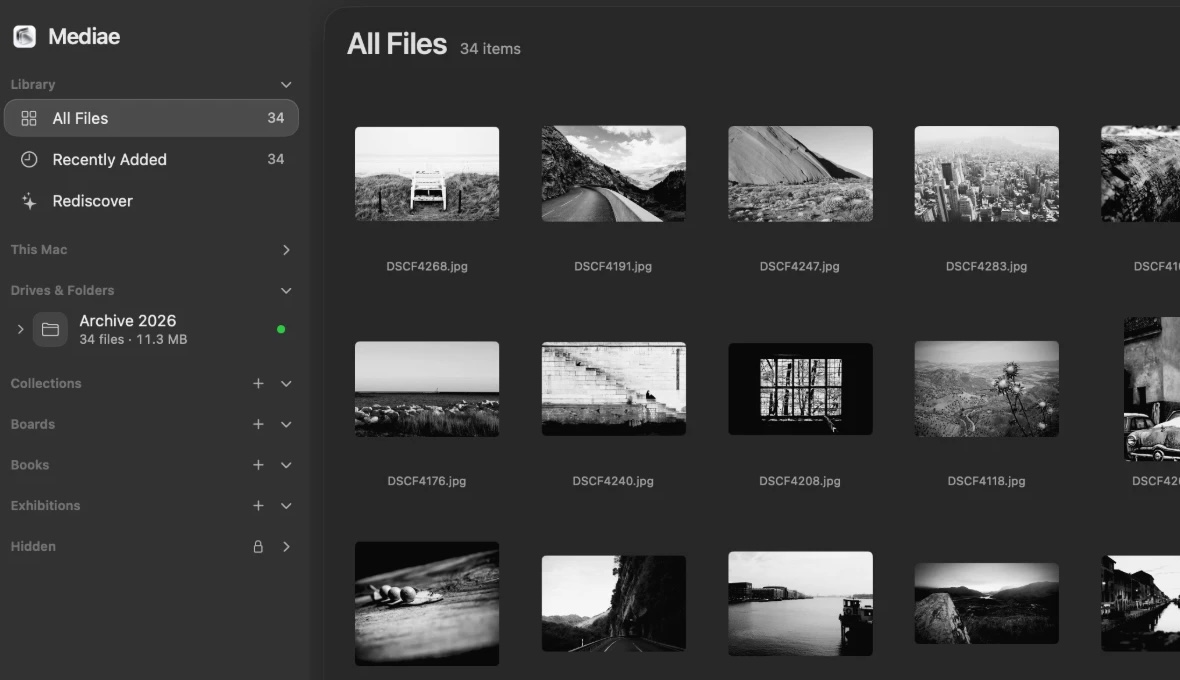
Develop without leaving the archive.
Adjust light, colour and detail, convert film negatives and refine local areas. Your edits follow the photograph into every project.
- Curves, colour grading, looks and LUTs
- Brushes with Feather, Flow and Density
- Edits kept separately from originals
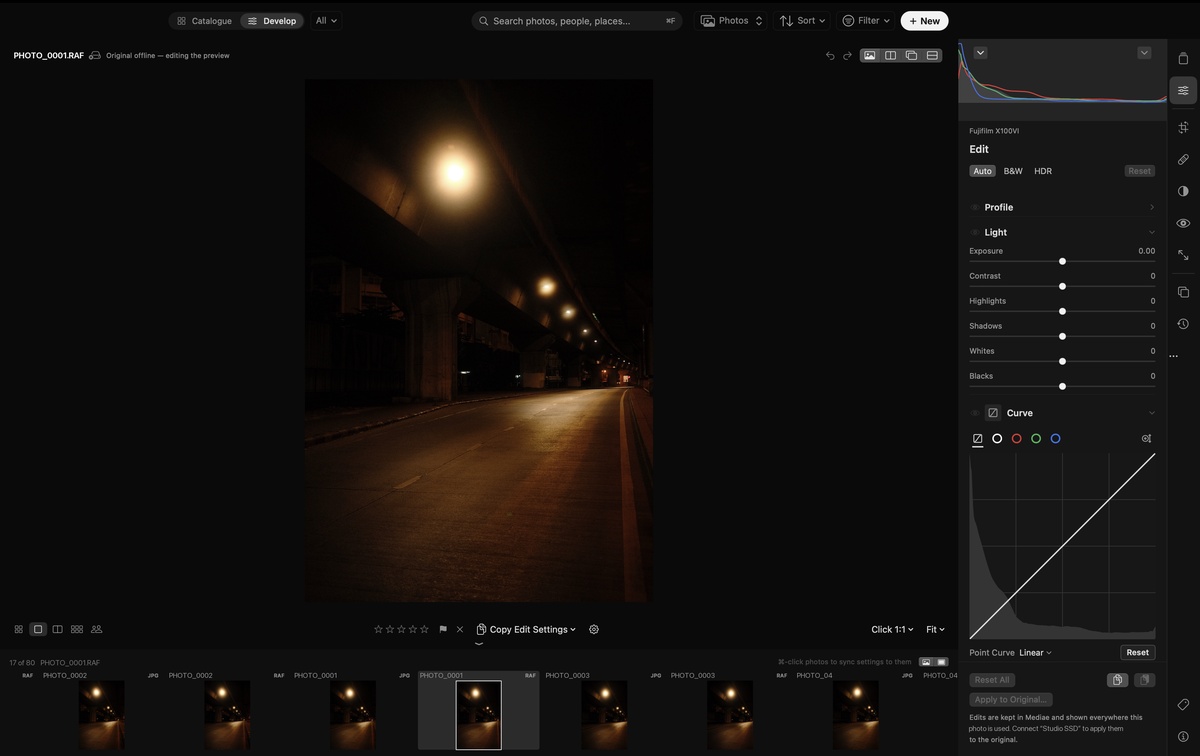
Find the order.
Lay images out on a board and see how one leads to the next.
- Free layout on an endless board
- Compare and rearrange
- Share it and work on it together
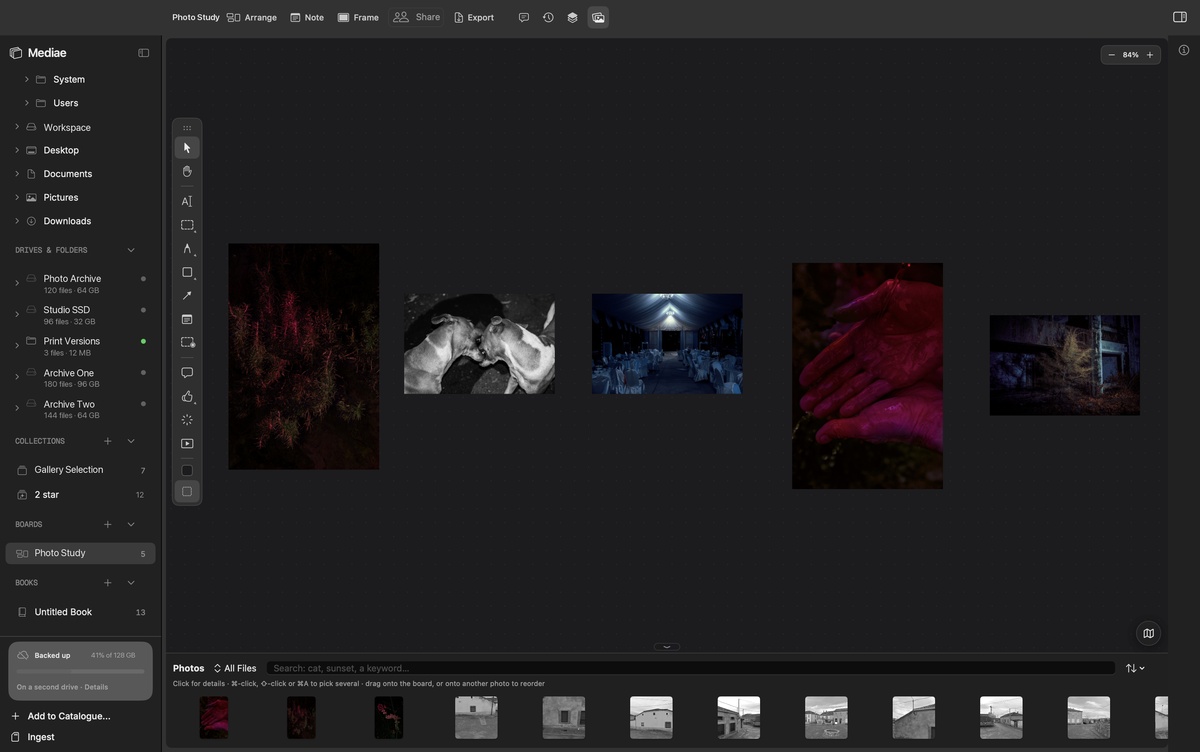
Lay out the book.
Build spreads and covers from your selection, or open an existing PDF or IDML book. Refine the design and prepare a print or InDesign handoff.
- Margins, bleed, typography and preflight
- Open PDF and IDML books
- Export PDF or an InDesign package
Hang the show before you print it.
Try the selection on measured walls, choose print sizes and frames, and prepare the views and lists for installation.
- Print sizes, frames, mats and spacing
- Visualise the room in 3D
- Wall elevations and installation lists
Bring other people into the work.
Share a collection, board, book or exhibition by private link. Review images, leave comments and develop the project together in a browser.
(07)
Make something from your archive.
Bring a selection, a book in progress or an exhibition idea. Join the private beta.